See when you turn away from your screen.
A desktop focus app that notices when you turn away and gently reminds you to return.
MailerLite processes your email for the Back to It waitlist. Google reCAPTCHA protects the signup from spam.
Camera processing stays on your computer. The desktop app never records or uploads video.
A nudge when you look away
A small reminder in the corner of your desktop helps you return to your task after your head has been turned away for a set time.
Ready to return to your task?
How it works
-
Choose your camera
Sit in your usual working position.
-
Calibrate
Look at the center of your screen.
-
Start a session
Choose your duration and begin.
Your session at a glance.
Back to It uses your webcam to estimate your head direction during a timed work session.
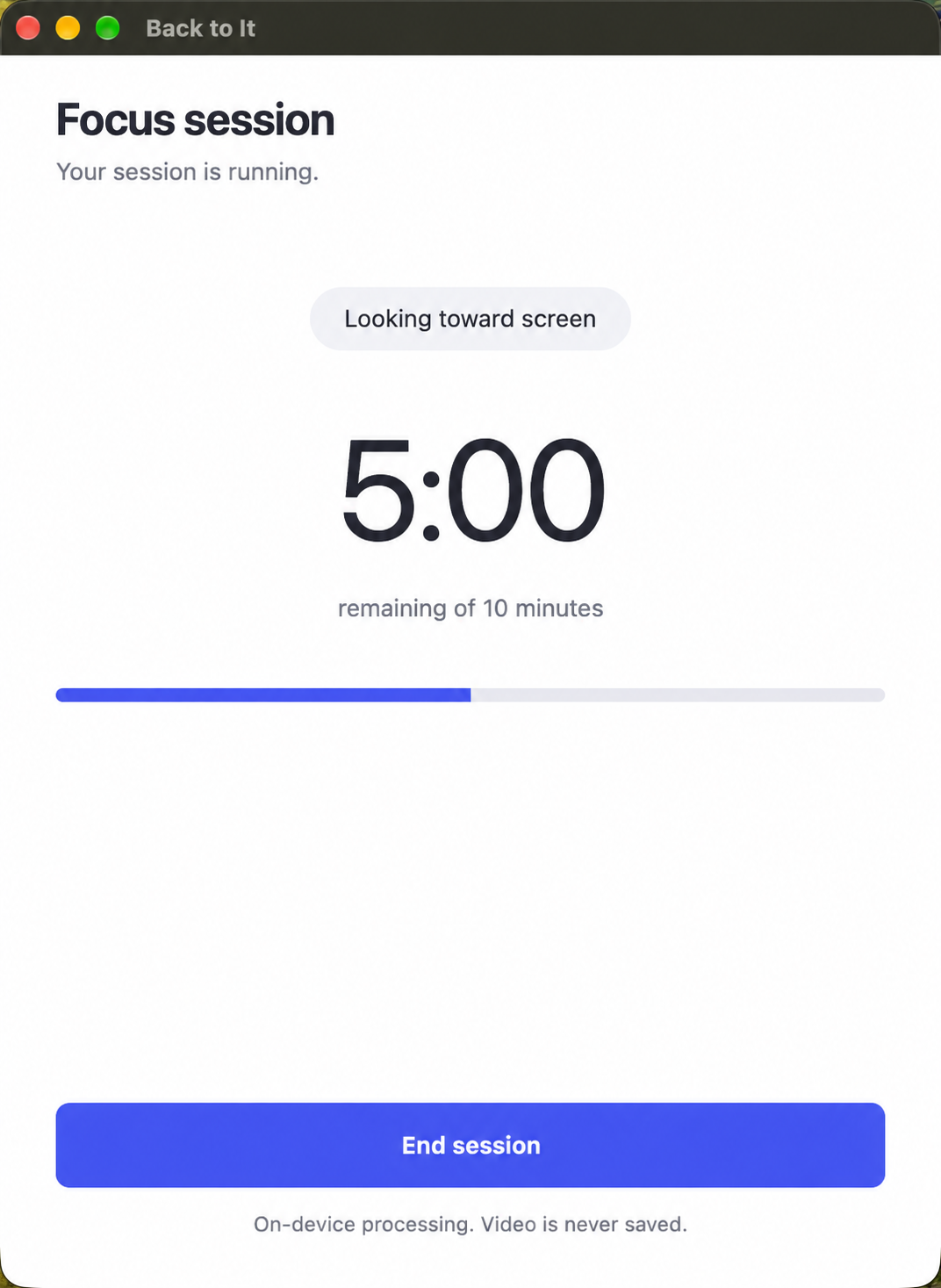
Three clear tracking statuses
Facing screen · Turned away · Tracking unavailable
See how your session went
A breakdown of estimated time facing the screen, time turned away, and time when tracking was unavailable.
Example session
43 min
- Estimated time toward screen
- 36m 12s
- Estimated time looking away
- 6m 48s
- Tracking unavailable
- 0s
Based on head-direction estimates processed on your device.